
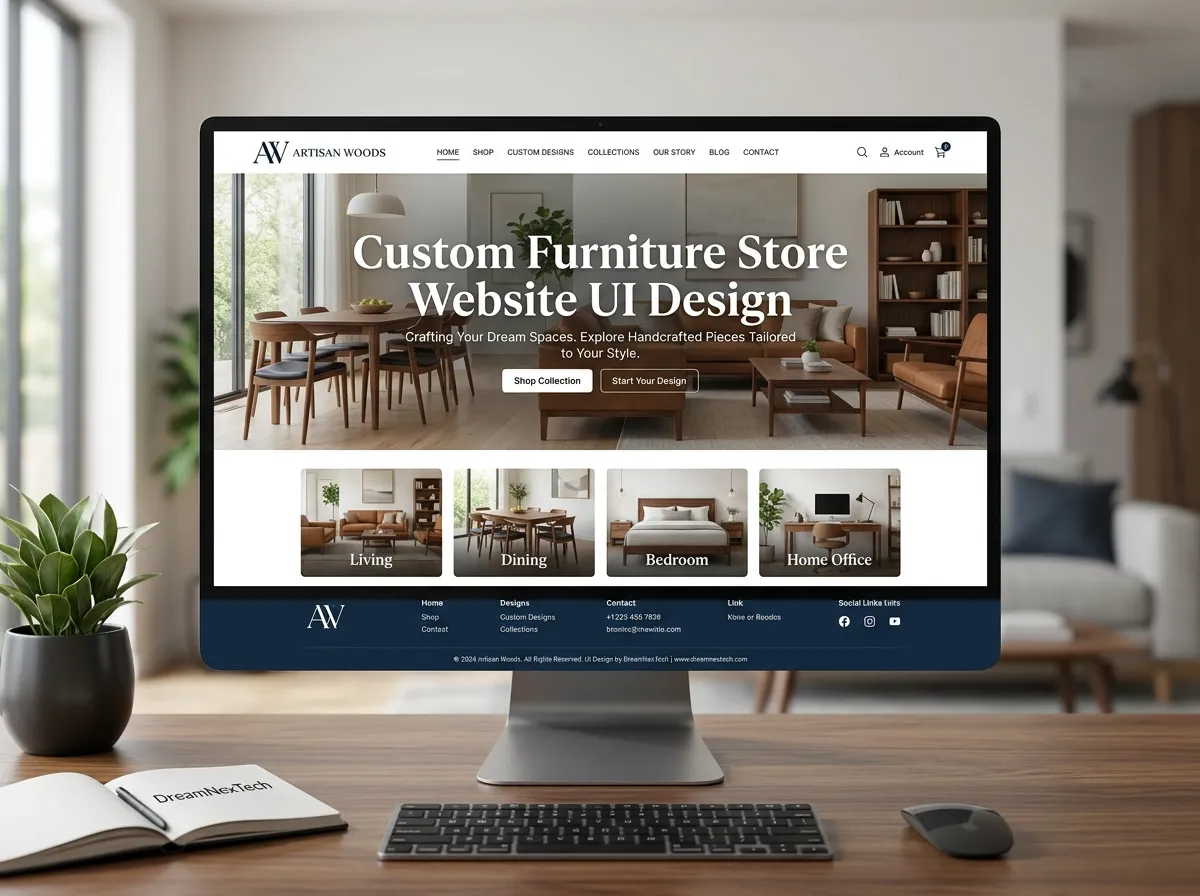
Two showrooms is a business. Eight showrooms across five cities is a systems problem and the first system to break is almost always the website.
Different stock in each branch. Different delivery zones. Different pricing in some markets. Different promotions. A marketing team that needs to update all of it without filing a developer ticket. Most furniture retailers hit this wall around the third or fourth location, and the usual response building separate microsites per city makes everything worse.
Custom furniture store website UI design for multi-city brands solves this with one architecture: a single site, city-aware from the ground up.
Hire Our Professional Services
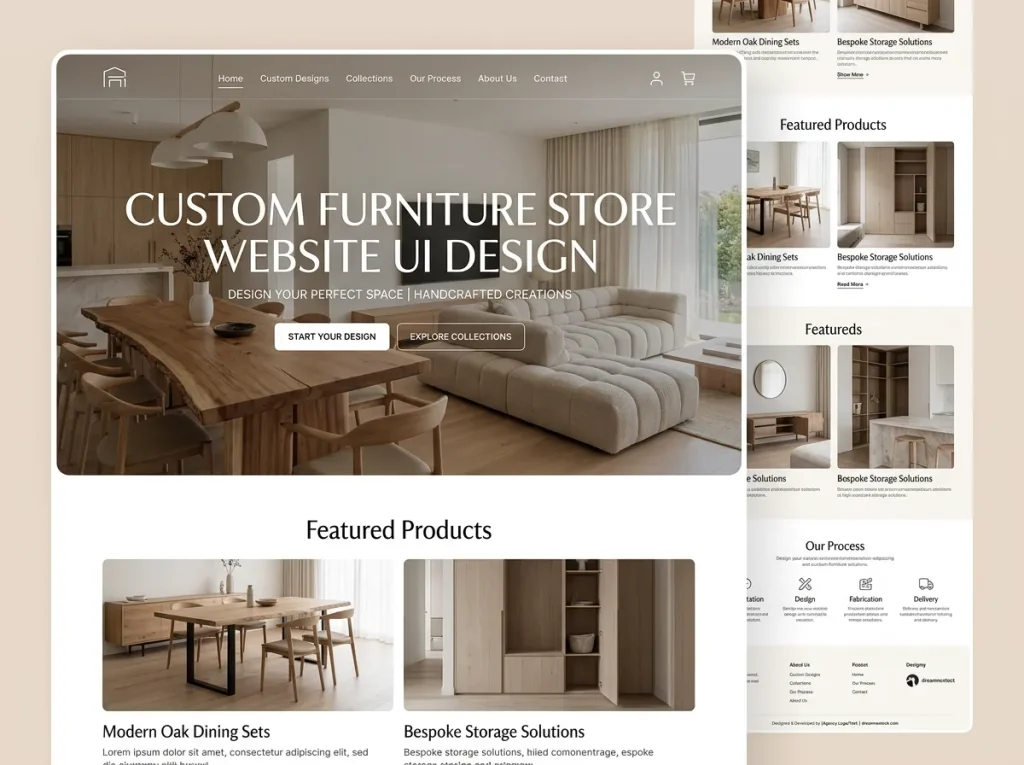
Custom Furniture Store Website UI Design
Why Separate Sites Per City Is a Trap
It looks reasonable. It is not. Here is what happens:
SEO authority fragments. Five domains each earning a fraction of the backlinks one domain would have earned. Every city page starts from zero.
Maintenance multiplies. A security patch, a design update, or a checkout fix has to be applied five times. Eventually it gets applied to three, and the other two drift.
Inventory desynchronises. Five separate stock systems means five separate chances to sell something you do not have.
Brand consistency erodes. Within eighteen months, the sites look like different companies.
The correct model is one codebase, one content model, and city as a data dimension — not as a separate build.
The Location Context Layer
The foundation of a multi-city furniture ecommerce website design is a persistent location context that every component can read from.
Detection. On first visit, infer the likely city from IP or from the landing URL if they arrived on a city page. Never assume with total confidence.
Confirmation. Show a subtle, dismissible prompt: “Shopping from Lahore?” with a change option. Do not use a blocking modal — it kills first-session engagement.
Persistence. Store the choice and honour it on return visits.
Visibility. A permanent header element showing the active city and an obvious way to change it.
Once that context exists, everything else becomes possible: accurate delivery estimates, branch-level stock, city-specific pricing and promotions, and the correct showroom surfaced everywhere. Check out Furniture store website.
Components That Respond to Location
A component library for a multi-city brand should include location-aware versions of:
- Product card — shows local availability and delivery speed
- Product page delivery block — real dates for the active city
- Store availability widget — which nearby branches have it on display
- Promotion banner — city-targeted offers
- Store locator — sorted by proximity, with live open/closed status
- Delivery zone checker — postcode-level confirmation
Each component reads the location context. Add a new city to the data, and every component adapts automatically. That is the whole point of the architecture.
Hire Our Professional Services
URL Architecture and SEO for Multi-City
Structure matters enormously here. A clean approach:
/                          → national homepage
/lahore/                   → city landing page
/lahore/showroom/dha/      → specific branch page
/living-room/sofas/        → national category
/lahore/living-room/sofas/ → city-scoped category
/products/aspen-3-seater/  → canonical product page
Key rules:
- One canonical product page. Do not create a duplicate product URL per city — that is a duplicate content problem. Localise the content on the page instead.
- City category pages need unique value — local stock, local delivery, local reviews. Otherwise consolidate them.
- LocalBusiness schema on every branch page; Organization schema at the root.
- Internal linking from national pages to city pages and back, so authority flows in both directions.
Done properly, you rank nationally for category terms and locally for “sofa showroom in [city]” simultaneously — from one domain.
Governance: Who Can Change What
This is the part most projects ignore, and it is the part that determines whether the system survives contact with a real marketing team.
Define clearly:
- Global content — brand pages, product descriptions, policies. Head office only.
- City-level content — local offers, showroom photos, opening hours, local reviews. Regional managers, within guardrails.
- Locked components — checkout, navigation, design system. Developer-controlled.
Build permissions into the CMS accordingly. Without this, one well-meaning branch manager will break a template and nobody will notice for a week.
Design System Discipline
Multi-city brands need a documented design system more than anyone. Tokens for colour, spacing, and typography. Documented components with defined states. Clear rules for what can be customised per city — usually imagery and copy, never layout or brand colours.
The result: every city page feels unmistakably like the same brand, while carrying genuinely local content.
Getting this built to a production standard — responsive, accessible, consistent across every breakpoint and every city template — is skilled front-end work. That is exactly the scope our complete website development service covers, from design system through to deployment.
Performance Across Regions
Multi-city usually means geographically spread visitors. Serve from a CDN with edge locations near your markets. Cache city pages at the edge with sensible invalidation on stock or promotion changes. Keep the location context lookup fast — it runs on every page load, so it cannot be a slow database call.
Rolling Out a New City
With the right architecture, launching city number nine looks like this: add the city record, add showroom details and photography, define the delivery zones and lead times, connect the branch inventory feed, write the local page copy, publish.
No new build. No new domain. No new template. A day of work instead of a month.
That is what custom furniture store website UI design for multi-city retail is supposed to deliver — a system that makes expansion cheap instead of painful.
If you are currently maintaining several disconnected sites, consolidating them is usually the highest-ROI technical project available to you this year.
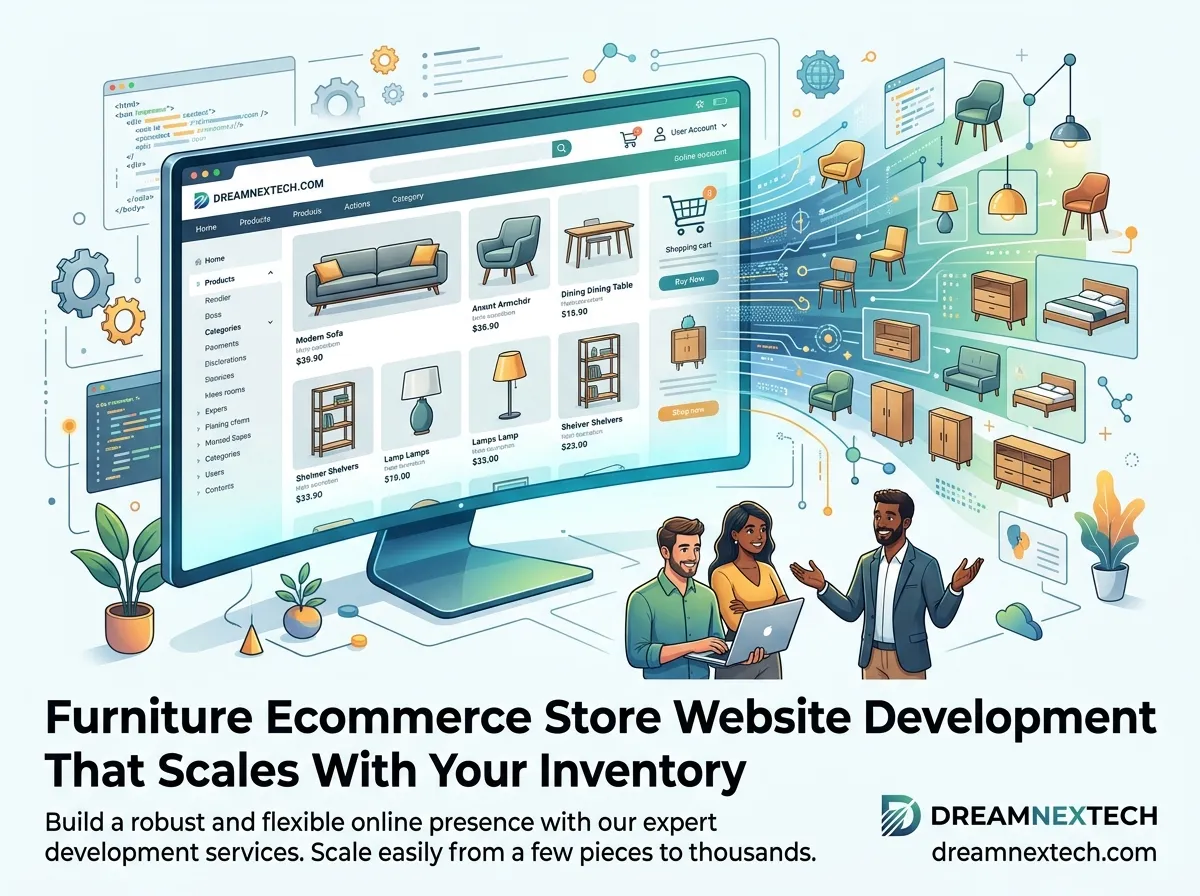
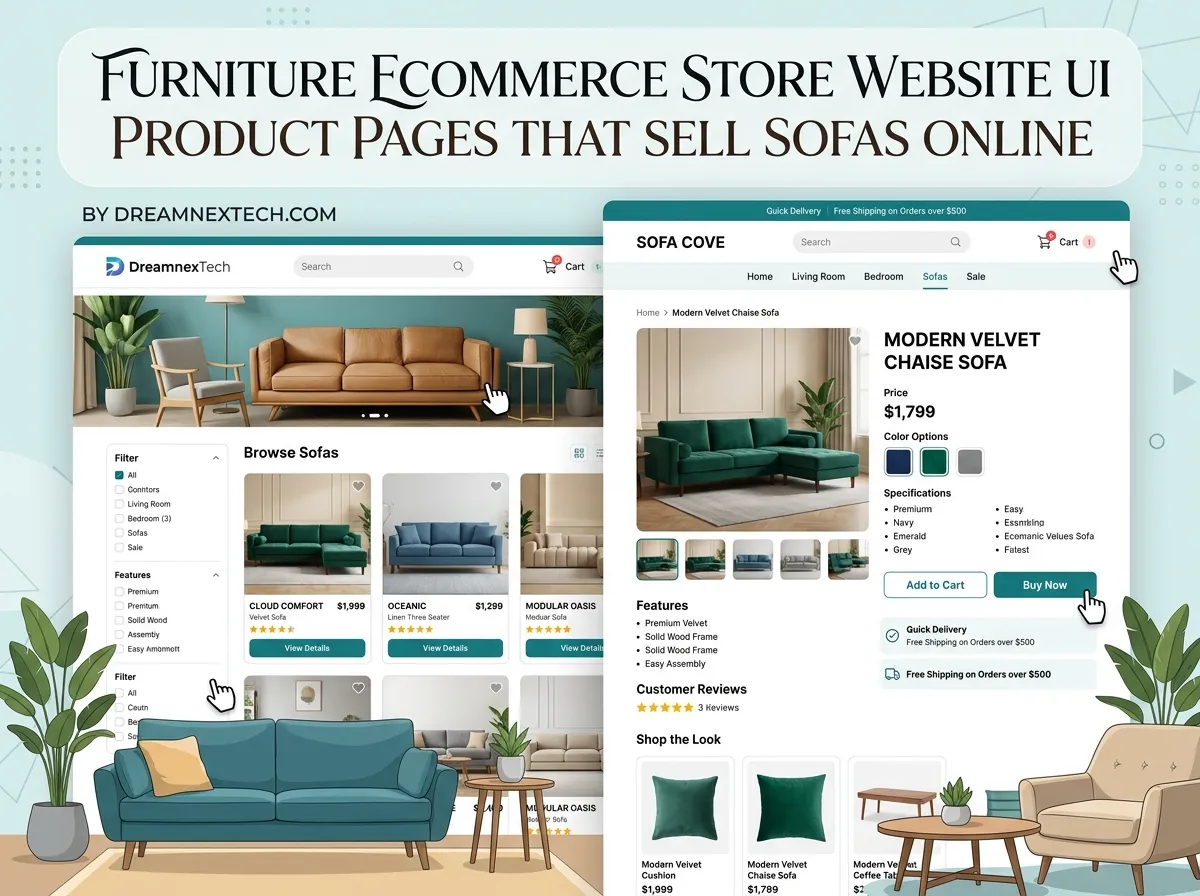

Furniture Ecommerce Store Website UI Product Pages That Sell Sofas Online - DreamNexTech
[…] On mobile, this block should collapse into a sticky bottom bar showing price and add-to-cart once the shopper scrolls past. Look for furniture ecommerce website development. […]