
A shopper in New York City and a shopper in Los Angeles are not buying the same sofa. Different apartment sizes, different climates, different delivery expectations, different price sensitivity and yet most furniture retailers serve both of them the identical homepage, the identical product grid, and the identical delivery promise.
That is a conversion problem disguised as a design decision.
Local-first Furniture Store Website UI Design for Different Cities means your interface adapts to where the visitor is, not just what device they are on. Done right, it lifts conversion rates, cuts support tickets, and dominates local search for “furniture store near me” queries in every city you serve.

Hire Our Professional Services
Why One-Size-Fits-All Furniture Websites Underperform
Furniture is uniquely local. Three reasons:
Delivery is physical and expensive. A shopper who cannot instantly confirm you deliver to their area will leave. Ambiguity kills high-ticket carts.
Showrooms still close deals. Even in a mature ecommerce market, a large share of furniture buyers want to touch the product. If your site does not surface the nearest showroom prominently, you are wasting the store you are already paying rent on.
Search intent is geographic. “Furniture store website design” is a service query. “Sofa shop in Gulberg” is a buying query. Your site architecture needs to capture both.
A generic national website answers none of these well. A local-first architecture answers all three.
The Core Structure: City Pages That Are Not Doorways
Google penalises thin, duplicated location pages — the kind where only the city name changes. A real local-first furniture website design gives each city page genuine substance:
- Local showroom details: address, embedded map, opening hours, parking, phone number with click-to-call
- Delivery zones and lead times specific to that city
- A curated product selection relevant to local homes — compact designs where apartments dominate, larger sectionals where they do not
- Local reviews and photos from customers in that city
- City-specific offers or financing partners where they differ
- Staff or showroom photography, not stock images
Each page should be able to stand alone as a useful destination. If you removed the city name and the page still made sense anywhere, it is not a local page — it is a template.
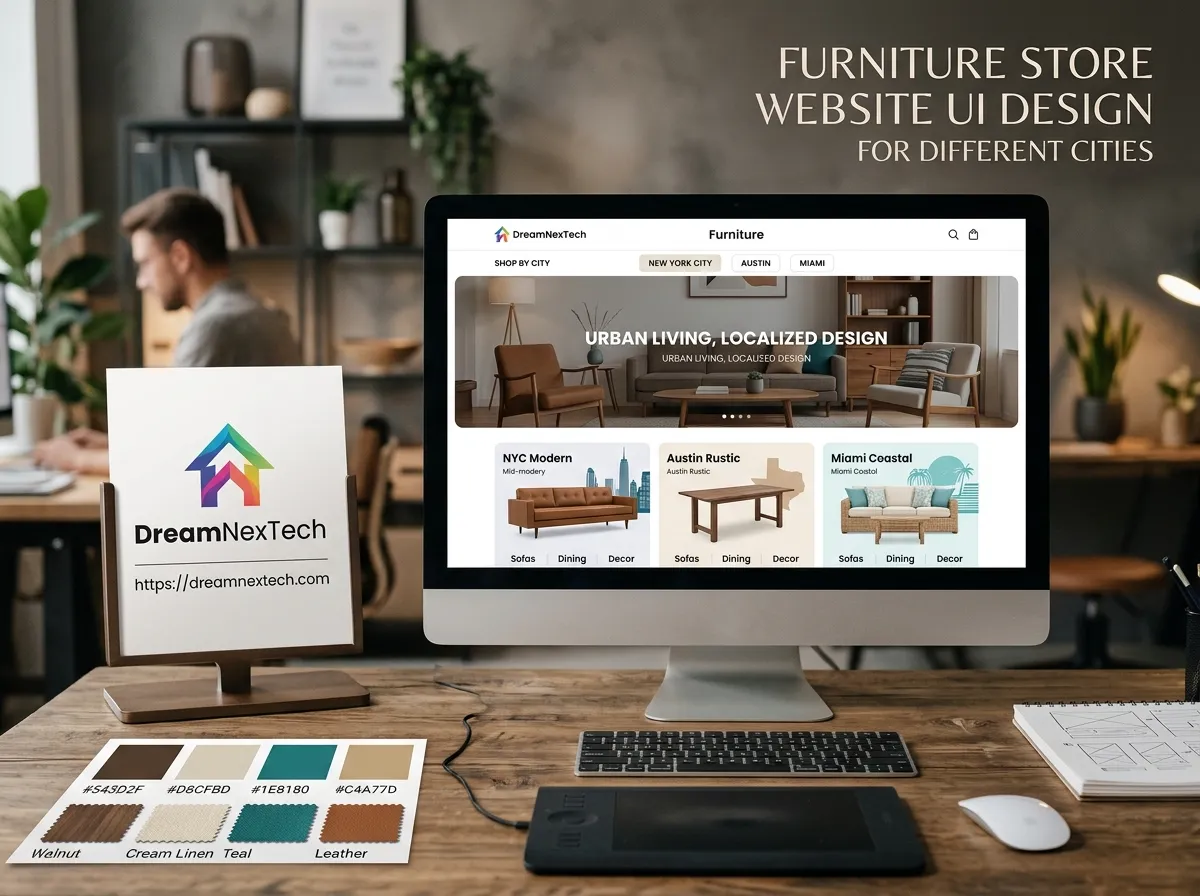
Furniture Store Website UI Design for Different Cities
The Location Selector
Put it in the header, always visible, always editable. Detect the visitor’s likely city via IP, but never lock them into it. The pattern that works: a subtle bar reading “Delivering to Lahore — Change” with one-click switching. Persist the choice in local storage so it survives their next visit.
Dynamic Delivery Messaging
Once the city is known, every product card and product page should show a real delivery estimate: “Delivered to Lahore in 3–5 days” or “In stock at DHA showroom.” This single UI element does more for high-ticket conversion than most redesigns. also check Furniture Website Design Services.
Store Locator With Real Utility
A map pin is not a store locator. A useful one shows distance, opening status right now, stock availability at that branch, and a “Book a visit” action. Furniture shoppers who book a showroom appointment convert at dramatically higher rates than passive browsers.
Locally Aware Merchandising
Surface different collections by city where it makes commercial sense. Humid coastal cities need different material recommendations than dry inland ones. Smaller-apartment markets need compact and modular categories front and centre. This is merchandising through the interface — and it is one of the highest-return moves in furniture ecommerce website design.
Building this cleanly across breakpoints takes real front-end discipline. Our team handles that build work directly through our responsive web page design and editing service.
Hire Our Professional Services
Local SEO Built Into the UI, Not Bolted On
Local-first design and local SEO are the same project. Your interface decisions should carry structured data with them:
- LocalBusiness schema on every city and showroom page
- Product schema with price, availability, and delivery details
- Breadcrumb schema reflecting a clean city → category → product hierarchy
- URL structure like
/lahore/living-room/sofas/— readable, crawlable, geographically explicit - Unique title tags and meta descriptions per city, written for humans first
- Internal linking from city pages to relevant collections and back
Add a Google Business Profile for each physical location, keep NAP details identical across every page, and your city pages start ranking for the queries that actually produce showroom footfall.
Performance Matters More on Local Pages
Local shoppers are frequently searching on mobile, often on the move, often on a patchy connection. Your city pages need to be your fastest pages. That means lazy-loaded maps (load on interaction, not on page load), compressed imagery, and no heavy third-party widgets. A store locator that takes five seconds to draw is a store locator nobody uses.
Multi-City Without Multi-Site Chaos
The instinct to build a separate website per city is almost always wrong. It fragments your domain authority, multiplies maintenance, and makes inventory sync a nightmare. The better architecture is one site, one codebase, city-aware templates driven by a single content model. Add a new city by adding data, not by building a new website.
That approach scales cleanly from two locations to twenty, and it keeps every piece of SEO equity working on one domain.
The Payoff
Retailers who commit to local-first furniture store website UI design typically see three compounding wins: higher online conversion from clearer delivery answers, more booked showroom visits from genuinely useful location pages, and steadily improving rankings for high-intent local queries in every city they serve.
It is not a cosmetic change. It is a structural one — and it is the difference between a furniture website that looks national and one that sells locally in every market you operate in.
If you are running multiple showrooms behind a single generic website, you already know where the friction is. The fix is architectural, and it is entirely buildable.
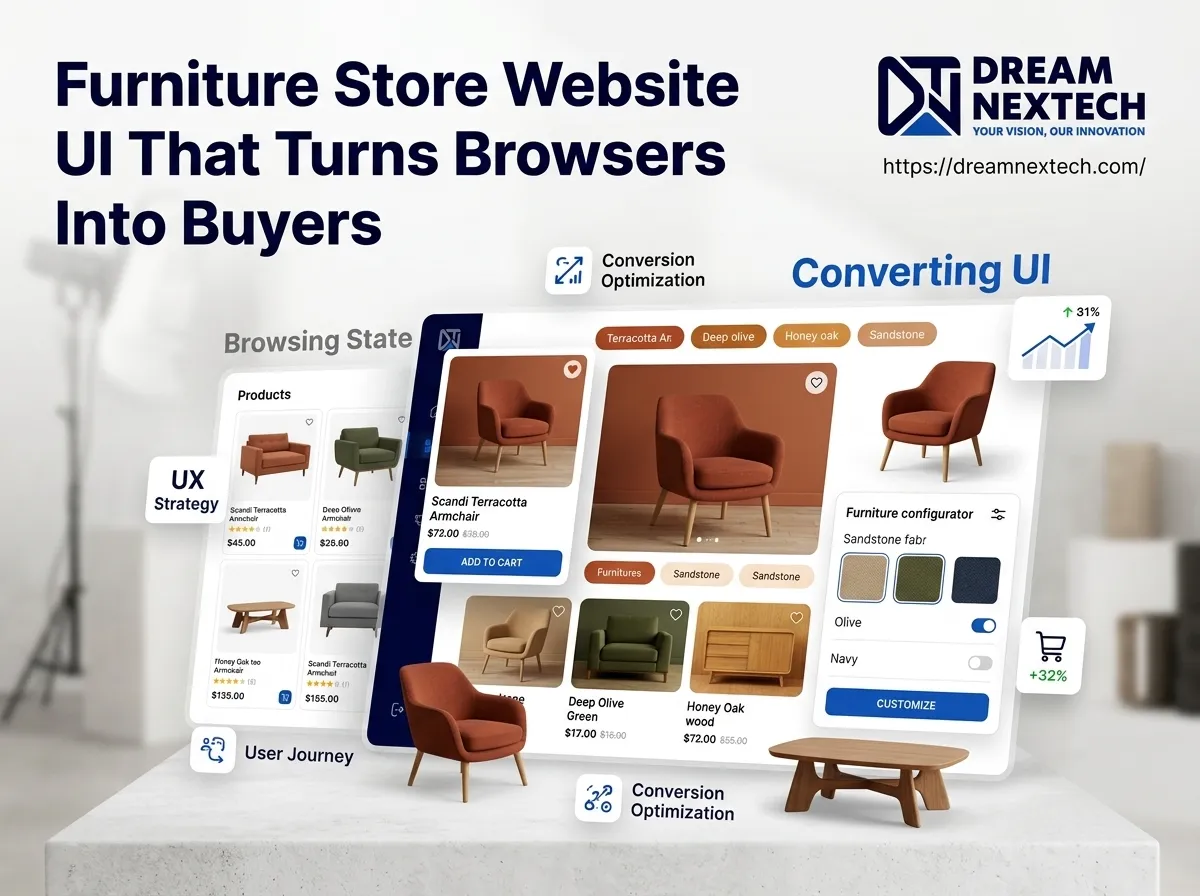


Furniture Website Store Design Services Built For High Ticket Sales - DreamNexTech
[…] A furniture ecommerce store website design that only optimises for Session 4 is optimising for four percent of the traffic. The money is in making Sessions 2 and 3 frictionless. also check out furniture website design. […]